
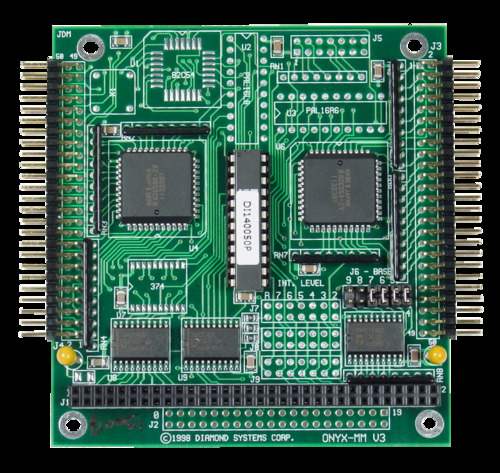

Onyx-MM-DIO har 48 digitale I/O-linjer ved hjelp av 2 82C55-kretser. Hver brikke har 24 I/O-linjer organisert som tre 8-bits porter, A, B og C. Alle I/O-linjene er koblet til 10 kOhm pull-up-motstander, og ved oppstart eller systemtilbakestilling tilbakestilles alle portene til inngang og settes til høyt nivå. Et kontrollregister på 82C55-brikken lar deg programmere hver port for inngang eller utgang og for ulike driftsmoduser, inkludert grunnleggende I/O, strobed I/O og bitsetting/tilbakestilling.
Drift i modus 0 gir grunnleggende inn- og utgangsoperasjoner. Det brukes ingen håndtrykkingssignaler. Dette er den vanligste metoden for digital I/O og er nyttig for å lese statussignaler, slå brytere på og av osv. Alle tre portene kan operere i modus 0.
Drift i modus 1 gir strobet I/O på portene A og B, med håndtrykkingssignaler på port C. I inngangsmodus er det ene signalet en strob for å låse data inn i porten, mens det andre signalet er en bekreftelsesutgang. I utgangsmodus brukes det ene signalet til å indikere at CPU-en har skrevet nye data til porten, mens det andre signalet er en bekreftelsesinngang.
Drift i modus 2 gjør det mulig å bruke port A som en toveis databuss, der linjene i port C brukes til håndhilsing. Port A er normalt i tristate-modus. Når CPU-en skriver nye data til port A, indikerer et utgangssignal at nye data er tilgjengelige. Som svar sender den eksterne kretsen et bekreftelsessignal, som dermed aktiverer utgangsbufferne på port A. Den eksterne kretsen kan også lagre nye data i port A ved hjelp av et datainngangssignal.
I bit-innstillings-/tilbakestillingsmodus kan man individuelt sette (1) eller tilbakestille (0) hvilken som helst bit på port C uten å måtte lese av port C og maskere eller beskytte uendrede biter.
Diamonds gratis programvare «Universal Driver» inneholder et omfattende programmeringsbibliotek i C for styring av alle digitale I/O-funksjoner. Eksempelprogrammer følger med, både med kildekode og kjørbare filer, for å hjelpe deg med å utvikle applikasjonen din raskt.
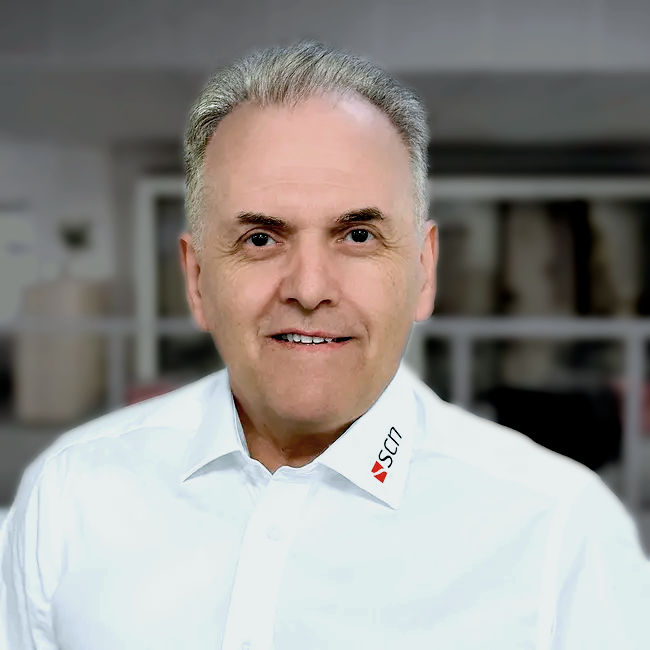
Tom Schönberg hjelper deg gjerne med å navigere gjennom produktutvalget vårt.
Tom Schönberg hjelper deg gjerne med å navigere gjennom produktutvalget vårt.
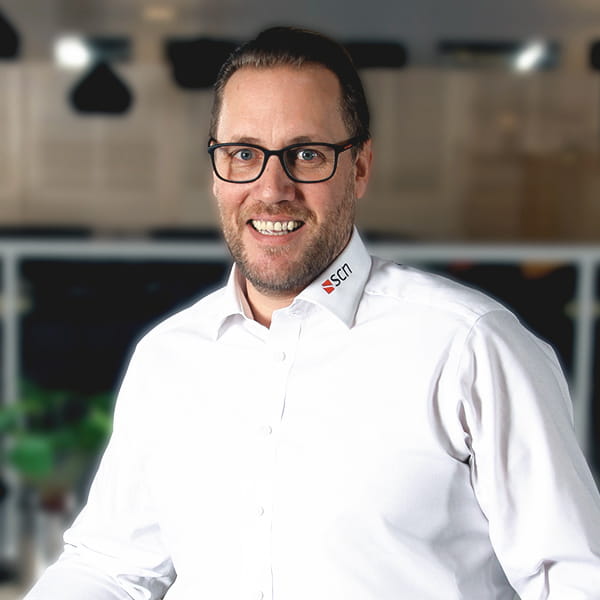
Stefan Rosenback hjelper deg gjerne med å navigere gjennom produktutvalget vårt.
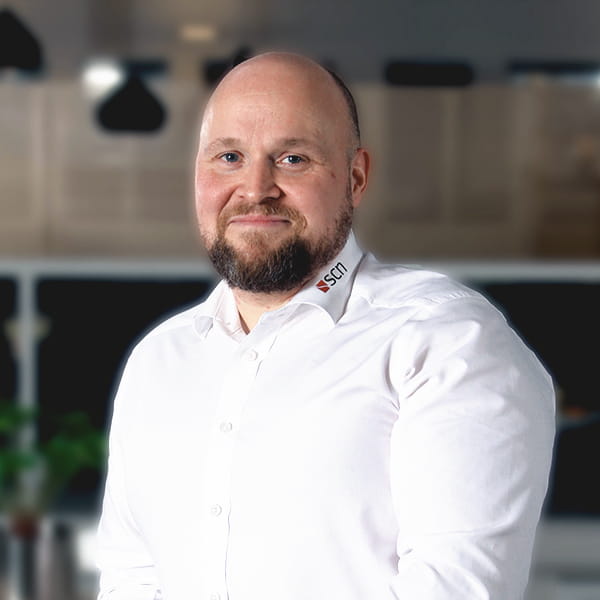
Roland Isaksson hjelper deg gjerne med å navigere gjennom produktutvalget vårt.




Har du spørsmål om produktene våre, kan AI-assistenten veilede deg til det du leter etter.


